From outside, from inside. All defense in the core.

Outside - passkeys, 2FA, IP restrictions, login notifications, CSP by default Inside - permission declarations, signature verification, health scoring, audit logs Open-source CMS from Japan / Built on Laravel

Overview

What is Dixlase

OUTSIDE

  • Passkeys / 2FA
  • Login throttling
  • IP restrictions
  • Upload validation
  • Signed API & webhooks

CORE

  • CSP by default
  • Permissions
  • Signatures
  • File integrity
  • Audit logs

INSIDE

  • Health score
  • Tamper detection
  • Login & error alerts
  • Backup / rollback
  • Safe mode / lockdown

15 key items shown — all 23 are on by default

Dixlase (Dix-say-lase) is an open-source CMS from Japan. Hardened defenses in the core, free expression through plugins and themes — a simple, extensible core design built around running a site for the long term.

With security, extensibility, and transparency built in from day one, Dixlase is aimed primarily at local governments and educational institutions, organizations with formal information-security policies, and agencies delivering client projects.

Because the core handles security, operators and content creators are free to focus on creating, editing, and running content.

Demo

Try the live demo

No installation required. Try out Dixlase's admin panel and operational experience right in your browser.

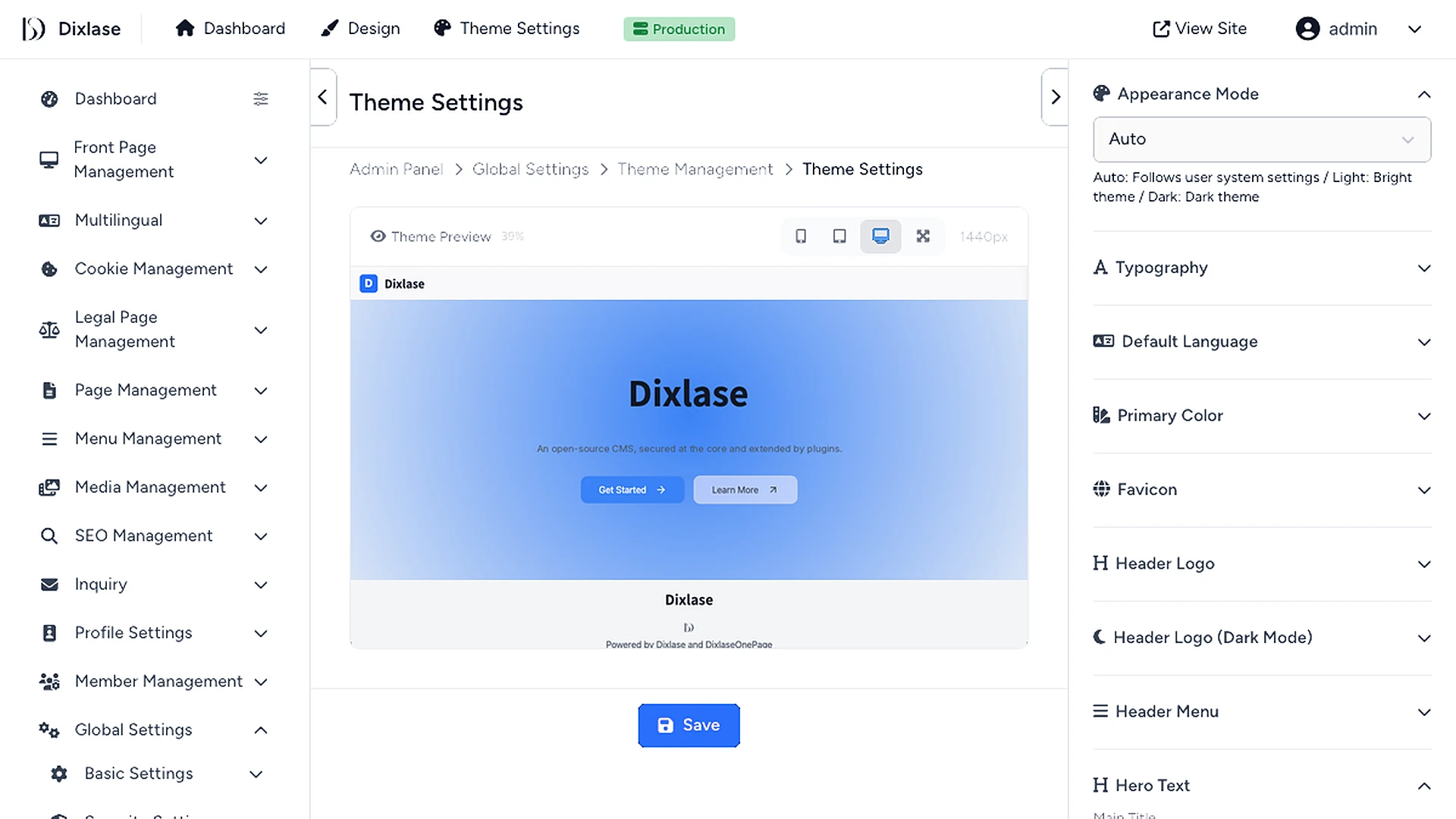
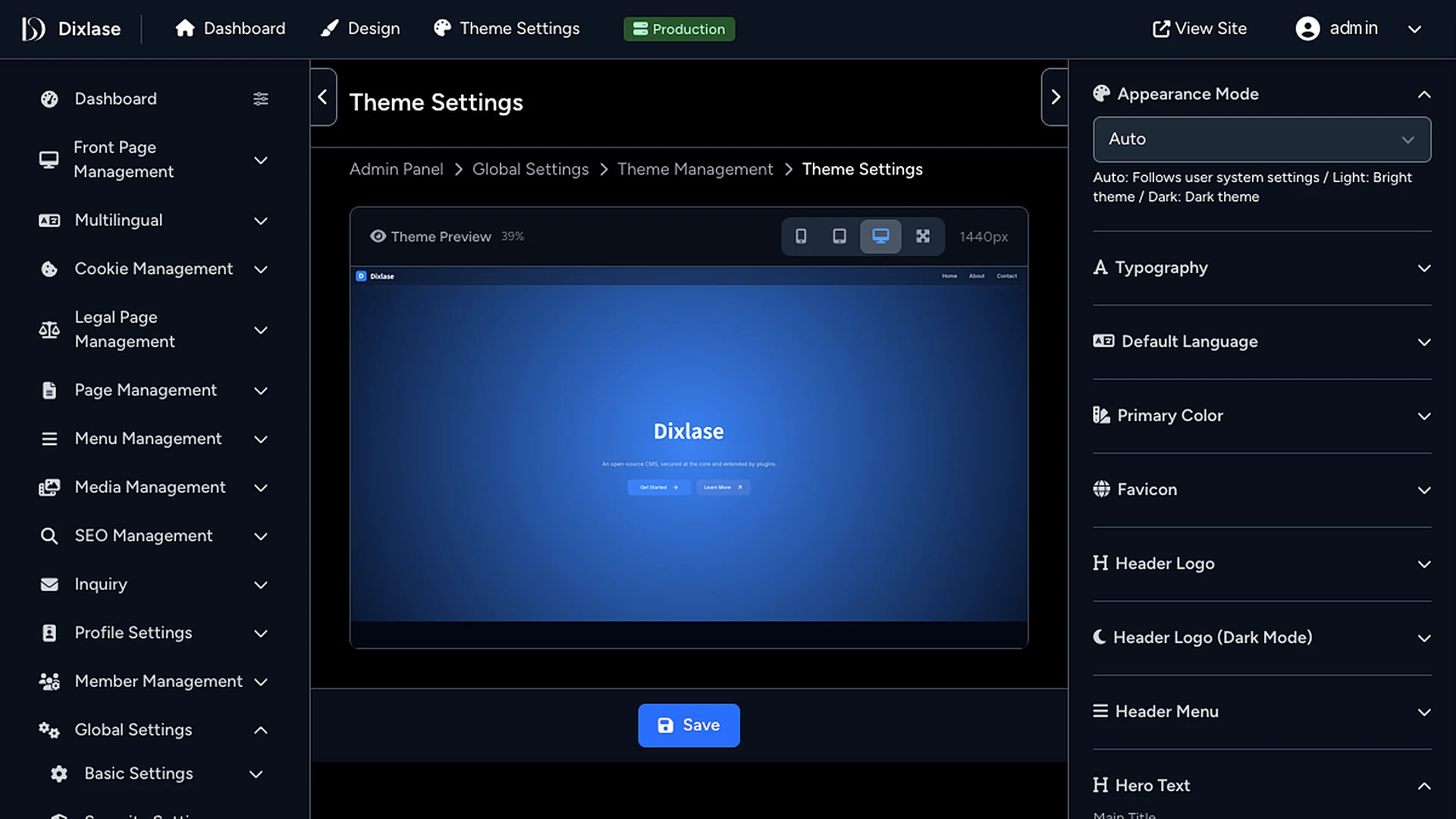
The demo site admin panel on desktop and phone The demo site admin panel on desktop and phone
Live Demo

Try the real admin panel on a disposable instance

A disposable instance is generated for each visitor from a SQLite-based template.
Auto-discarded after a set period, so you can reset and try as many times as you like.
Work the admin panel and edit content on the same screens as production.
Destructive operations such as member management and site-wide settings are view-only.

  • A new instance starts on every visit (no setup required)
  • Instant boot from a SQLite template — lightweight and fast
  • Auto-disposed after a time limit; isolated from other visitors
  • Try the admin panel and content creation (destructive operations are view-only)
Open demo site →

Install

Install

Four installation methods are available
Choose the one that fits your environment and workflow.
* Composer follows once the package is on Packagist.

One-liner PHP environment

One-liner installer

The simplest way to install into an existing PHP environment. Run a single command and the interactive installer takes over.

curl -sS https://install.dixlase.net | php
Setup guide →
Docker Container environment

Docker image + Compose starter

Sets up PHP, MySQL, Nginx, and more all at once. Works for both local development and production.

Extract the downloaded ZIP and run setup.sh inside the folder.

Download ZIP ↓
cd /path/to/dixlase-docker-installer-main && ./setup.sh

* Replace /path/to/ with the path to the folder where you extracted the ZIP.

Or clone with git instead:

git clone https://github.com/Dixlase/dixlase-docker-installer.git && cd dixlase-docker-installer && ./setup.sh
Composer Packagist Coming soon

Composer (Packagist)

Scaffold a new Dixlase app with Composer. Suited to building and operating Dixlase as a standalone Laravel-based app.

composer create-project dixlase/dixlase-core dixlase

For local trial and development, please use Docker.
It provisions PHP, the database, and the web server together.

If you already have a PHP environment such as Laravel Herd / Valet / MAMP, the One-liner works as well.
For remote-server operation, please prepare a server that meets the System Requirements.

Ecosystem

Extensibility

Keep the core minimal, add features through plugins, and shape the look through themes. Not carrying features you don't use is what keeps long-term operation light.

PLUGINS

Pages
Blog
Inquiry
Menus
SEO
Cookie Consent

COMING SOON

Custom posts / fields
Redirects
GUI editor
Dixlase

A minimal core —
add only what you need.

THEMES & DEVKIT

Dixlase OnePage

COMING SOON

DevKit

Plugins

Official Plugins

The official plugins available alongside the Dixlase core. Pick only the features your site needs.

Dixlase

Plugin management

Enable only the features you need

Installed plugins

Pages

Dixlase Pages

Provides the essential content-creation features such as static pages. Blog posts are handled by Dixlase Blog; custom post types are planned as a separate plugin.

Blog

Dixlase Blog

Posts with revisions and a trash, categories and tags, moderated comments, search and date archives, related posts and an RSS feed.

Inquiry

Dixlase Inquiry

A contact form, auto-reply email, and admin-side message management. Spam protection and notification mechanisms are included.

Menus

Dixlase Menus

Visually edit menu structures — header, footer, sidebar — by drag and drop.

SEO

Dixlase SEO

Manage SEO elements — meta tags, sitemaps, OGP, structured data — either per page or across the whole site.

Cookie Consent

Dixlase Cookie

Consent display and recording, category-based consent (required / analytics / marketing, etc.), conditional script firing based on consent state, and a consent-withdrawal path.

Available plugins and themes can be downloaded and installed directly from the plugin / theme list in the admin panel.
No command-line operations or manual file placement required.
The full list is also viewable on GitHub.

Coming Soon

Upcoming plugins

Custom Fields /
Custom Post Type Plugin
Redirect Plugin
GUI Editor
Plugin & Theme Development Kit

Themes

Themes

Themes shape a site's look and structure, and you can swap between them as needed.
For now we offer a single-page theme only;
the lineup will expand over time.

Available

Dixlase OnePage

The default theme, optimized for single-page layouts.
Includes a hero, content builder, contact form, and footer,
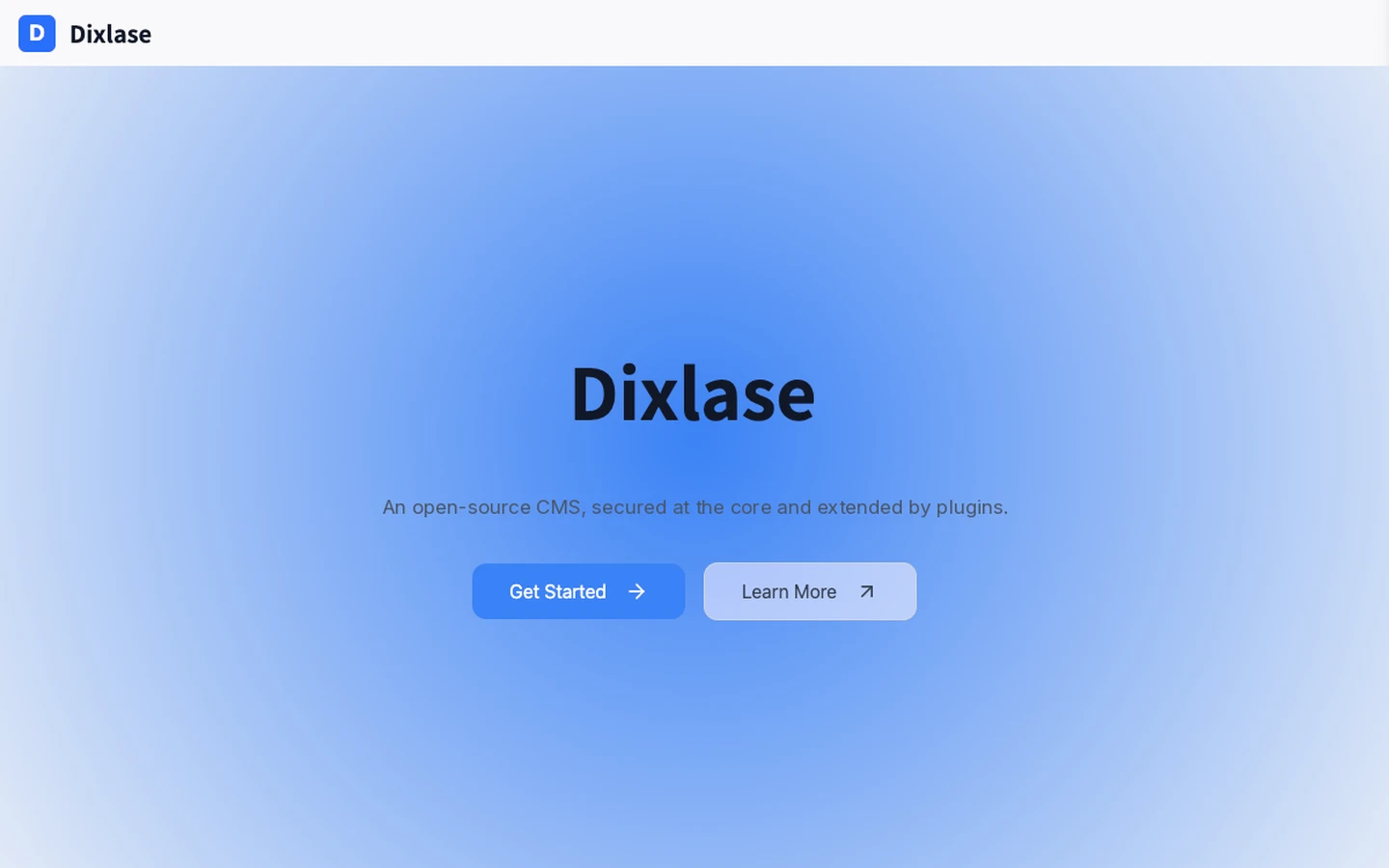
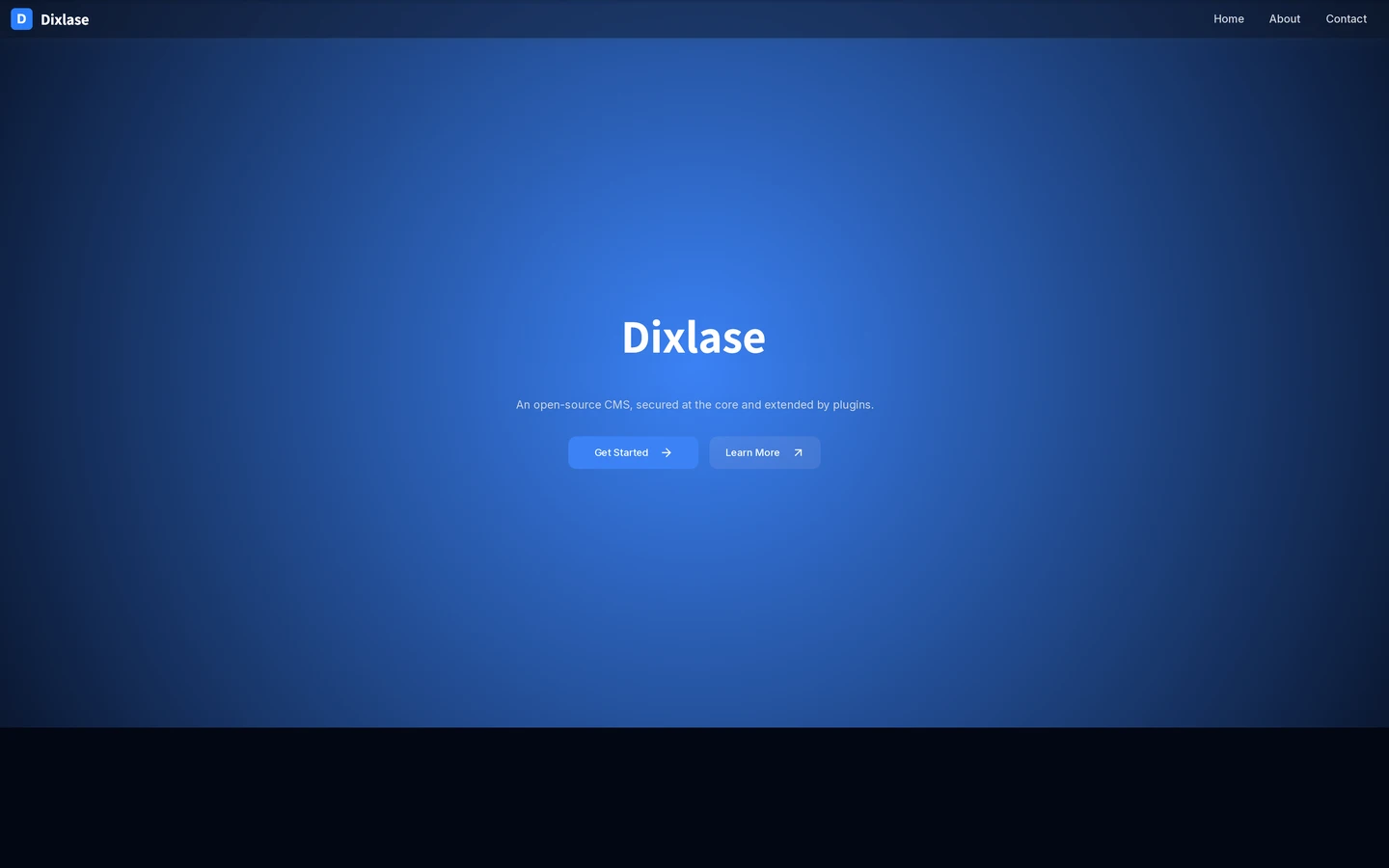
well suited to corporate sites and landing pages. This very site is built on this theme.

More themes are planned for future releases.

Requirements

System Requirements

Recommended specs for server and browser. Any typical PHP environment that runs Laravel 13 should work as-is in most cases.

Server

Server environment

PHP
8.3 or higher
Database
MySQL 8.0+ / MariaDB 10.6+ / SQLite 3
Web server
Nginx / Apache (PHP-FPM)
PHP extensions
pdo_mysql or pdo_sqlite, mbstring, gd, intl, zip
Memory
128 MB or more (256 MB recommended)
Disk
300 MB or more of free space

Browser

Supported browsers

Chrome
Latest 2 versions
Firefox
Latest 2 versions
Safari
Latest 2 versions
Edge
Latest 2 versions
JavaScript
Required (admin panel)

With SQLite, you can set Dixlase up without provisioning a separate database server (MySQL / MariaDB).
With Docker, the host only needs Docker itself.
PHP, the database, and the web server are all bundled into the containers.

Stay Updated

Get release notifications

GitHub's Watch feature will notify you when a new version ships.
Email announcements are in preparation for v1.0.

GitHub Watch

For developers — Watch → Custom → Releases

  1. Open the dixlase-core repository on GitHub
  2. Click Watch in the top-right and choose Custom
  3. Check Releases and save

GitHub will then notify you (via email, web, or mobile app) whenever a new release is published.

Enterprise and public-sector contacts: mention "notify me at v1.0" in the contact form and we'll reach out when the general availability release ships.

About

About Dixlase

Dixlase is a Laravel-based open-source CMS from Japan, developed by exc-D inc.

We have come to feel that keeping a website running over the long term has become harder than people realize. Security threats keep growing, AI is opening up new ways of building and using software, and the freedom to own and migrate your data matters more than it used to.

Each existing CMS has its strengths, but few are designed around safety, trust, extensibility, and headroom for AI as their central axis. Dixlase is built from scratch to fill that gap.

Dixlase brand logo

Contact Us

Feel free to reach out to us.
Please fill in the form below and submit your inquiry.

Message Sent

Thank you for your inquiry.
We will review your message and get back to you soon.

Confirm Your Information

Please confirm the information below is correct.
If everything looks good, press the submit button.

Name
Email Address
Message

Please re-enter your email address for confirmation.

I agree to the Privacy Policy.